
For clients
Got a link from your coach? Open it.
It signs you up and links you to your coach in one step. Then you book, train and watch your progress in one app.
Free for clients. Your coach pays for PT Wizard.
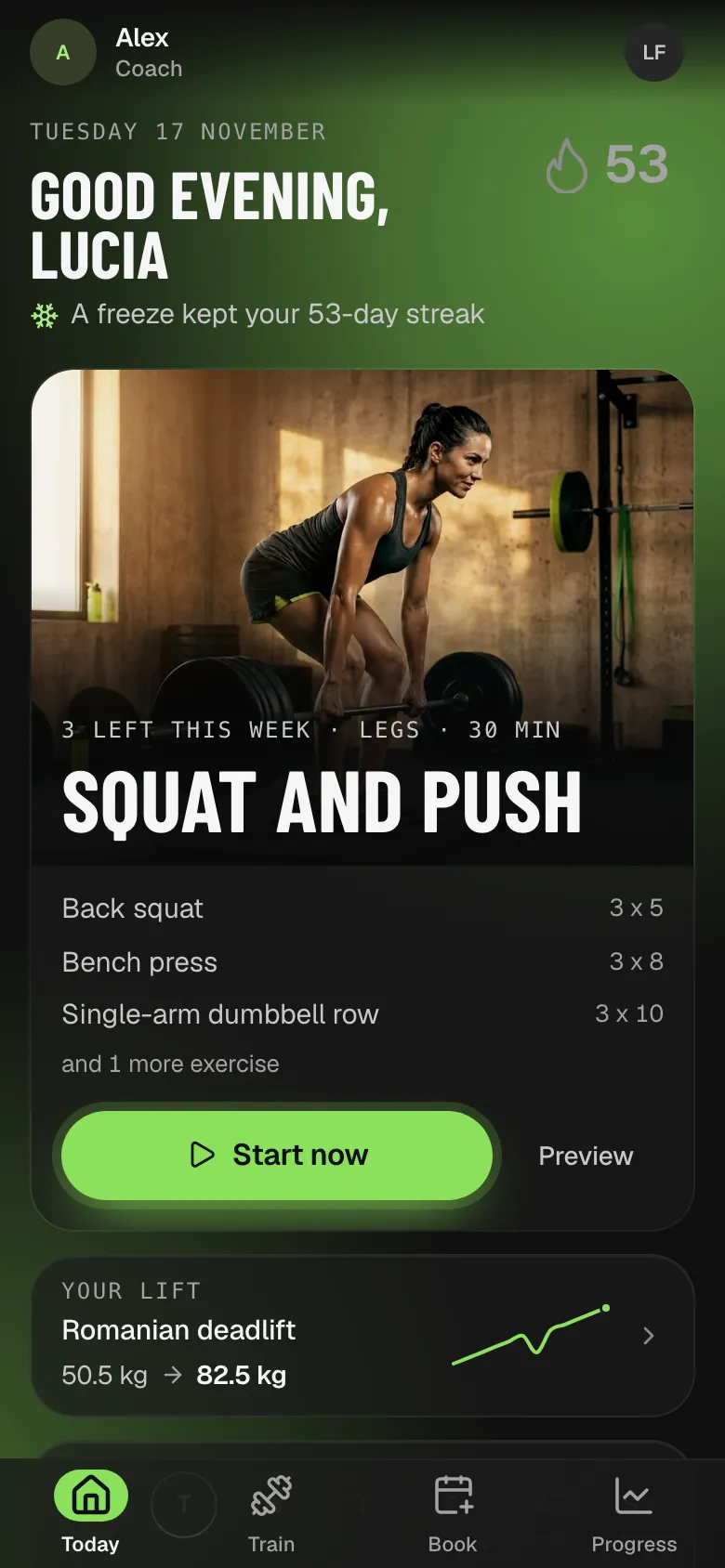
What you get
Everything your coach set up for you, on your phone.
- Sample data
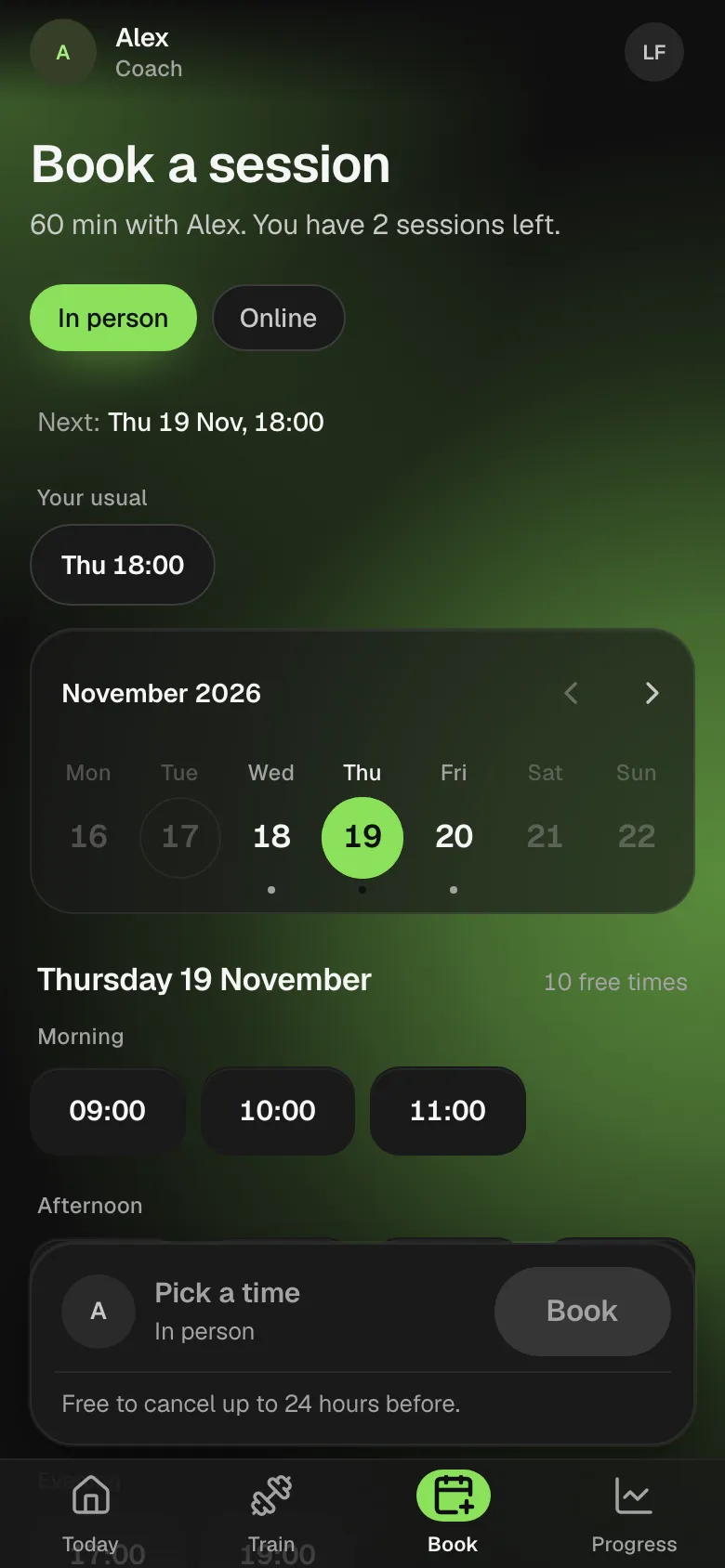
Book your sessions
Pick one of your coach's free times and tap Book. Move or cancel inside your coach's rules.
- Sample data
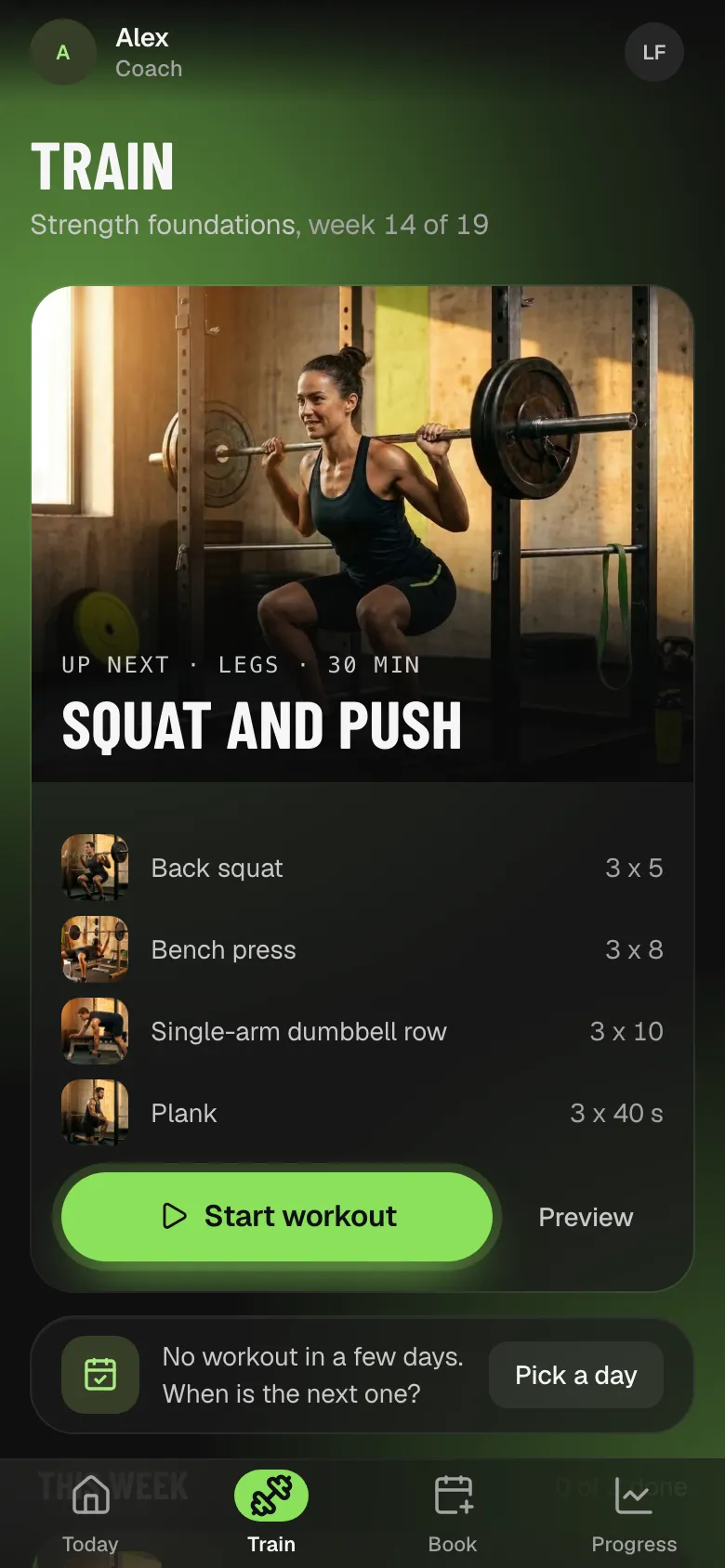
Follow your program
Today's workout from your coach, with sets, reps and weights for each exercise.
- Sample data
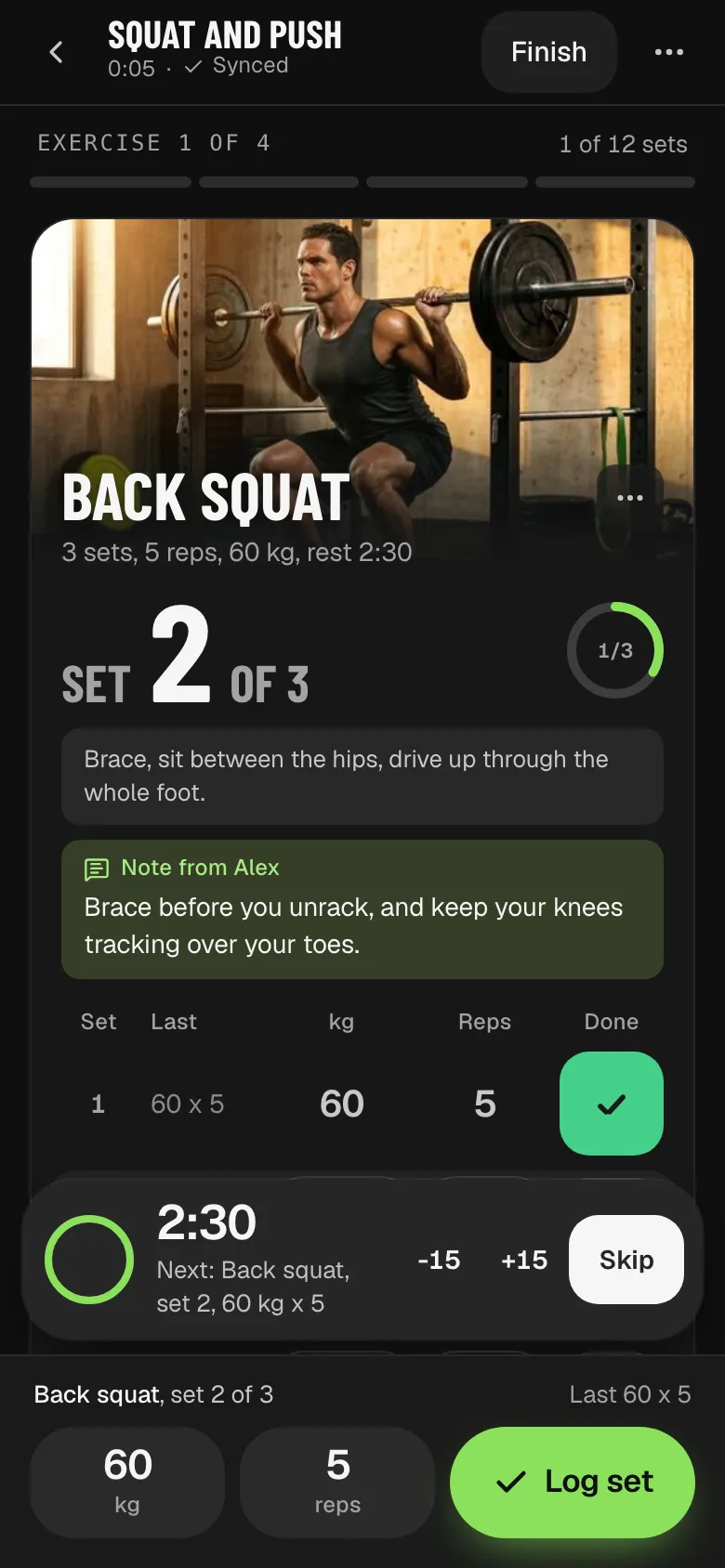
Log every set
Tap in the kilos and reps. Each set saves on your phone first, so no signal is fine.
What keeps you going
Show up, and it shows
Your streak, your awards and your lifts grow with every workout, weigh-in and check-in.
- Sample data
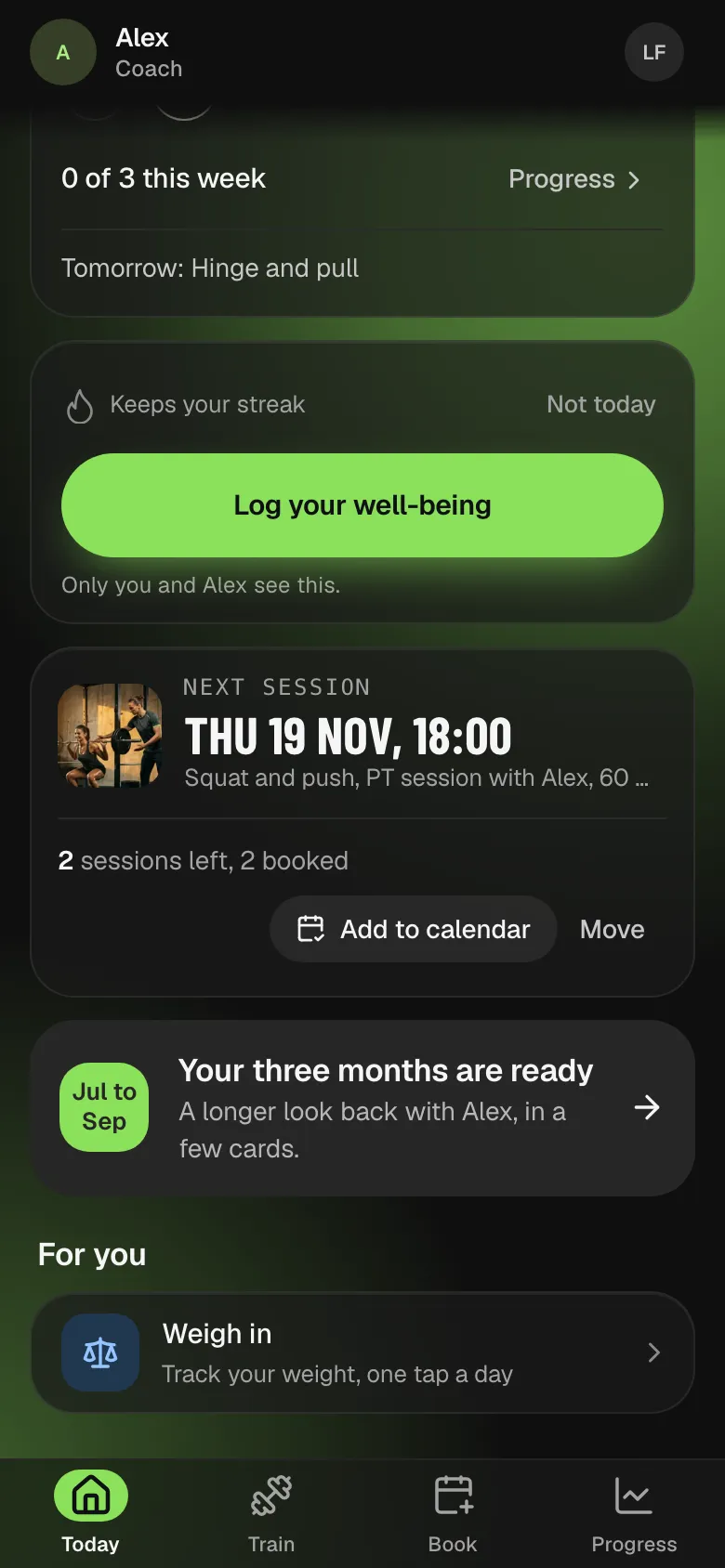
Today shows what is next
Your next workout or session, and the streak you keep alive.
- Sample data
Log every set as you lift
Last time's numbers sit beside each set, with a rest timer.
- Sample data
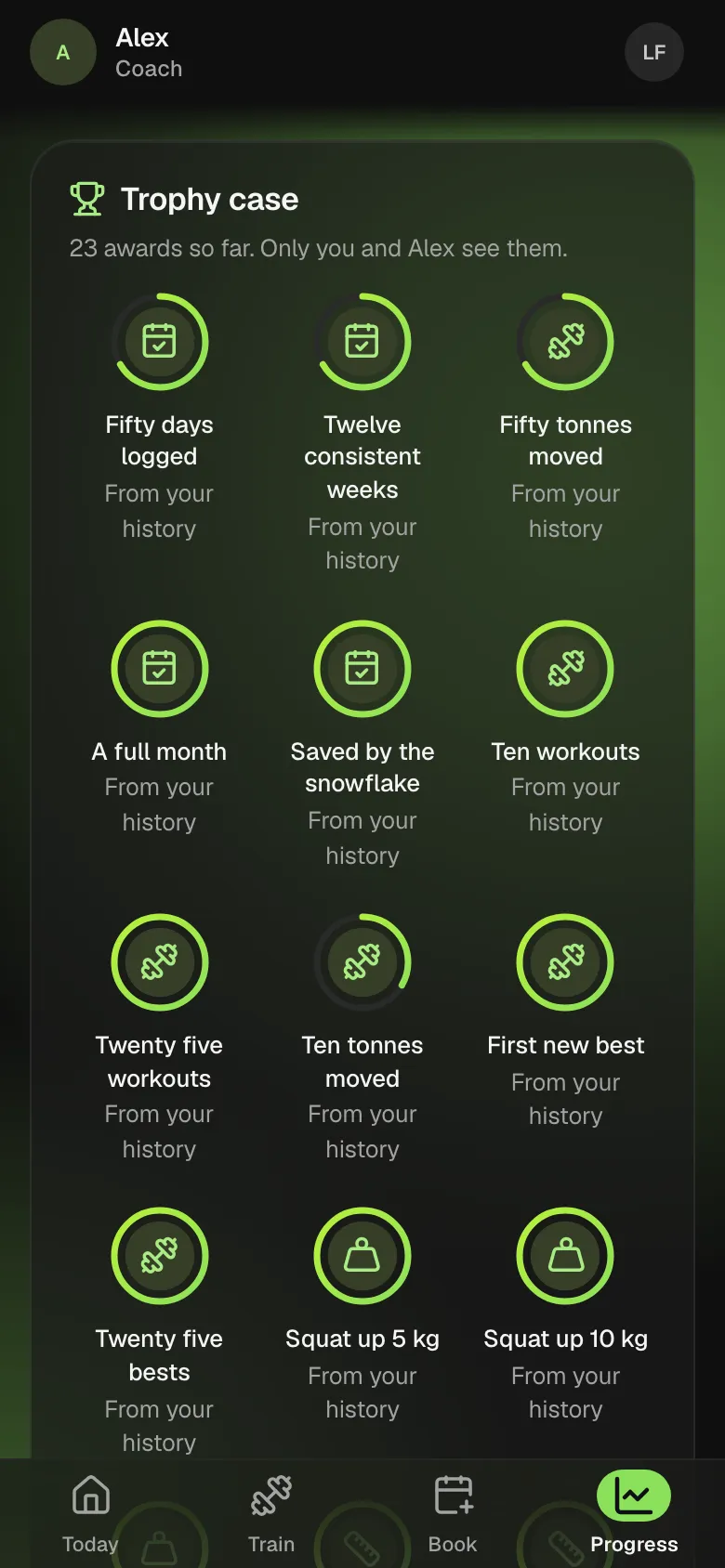
53 awards to earn
Logged days, steady weeks, tonnes moved and new bests.
- Sample data
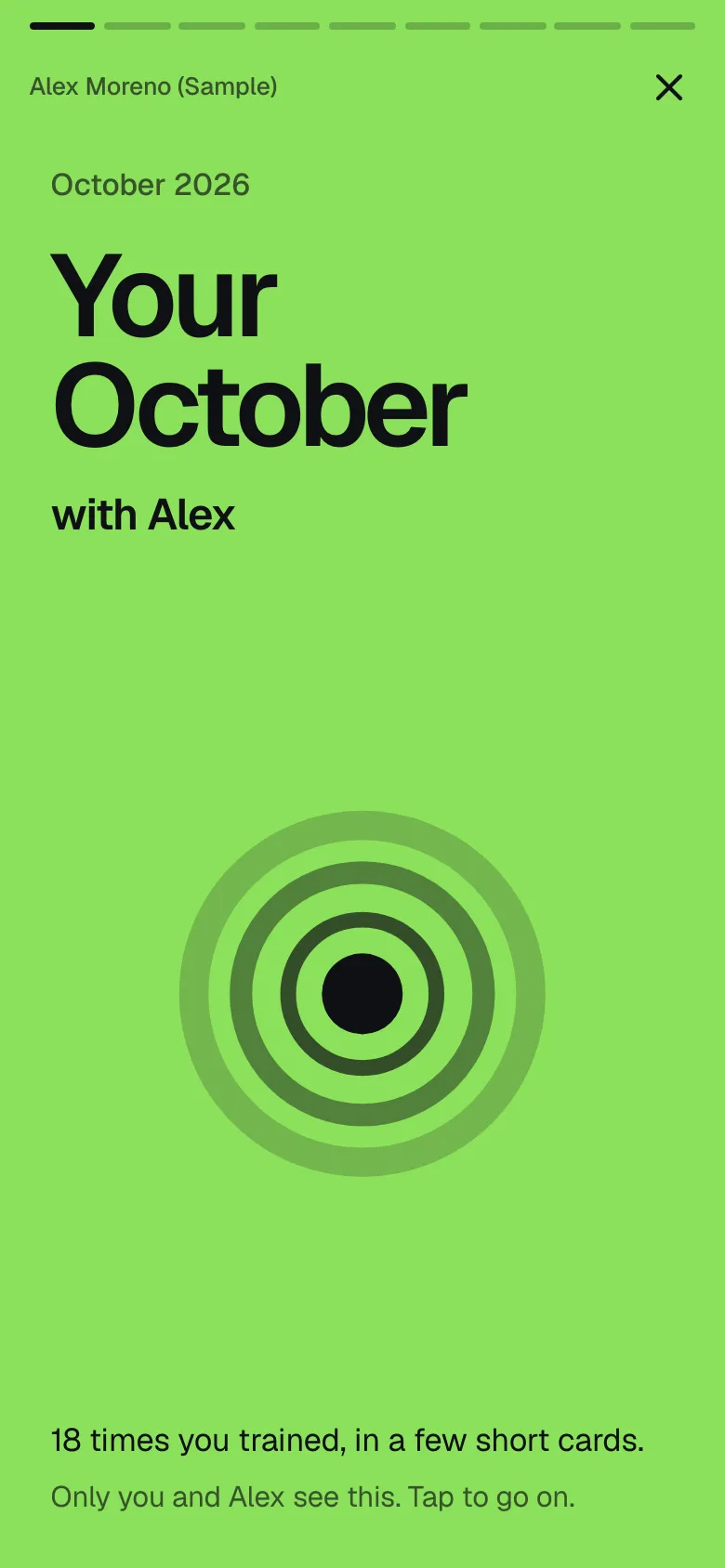
Wrapped, every month
Your month of training in a few short cards.
- Sample data
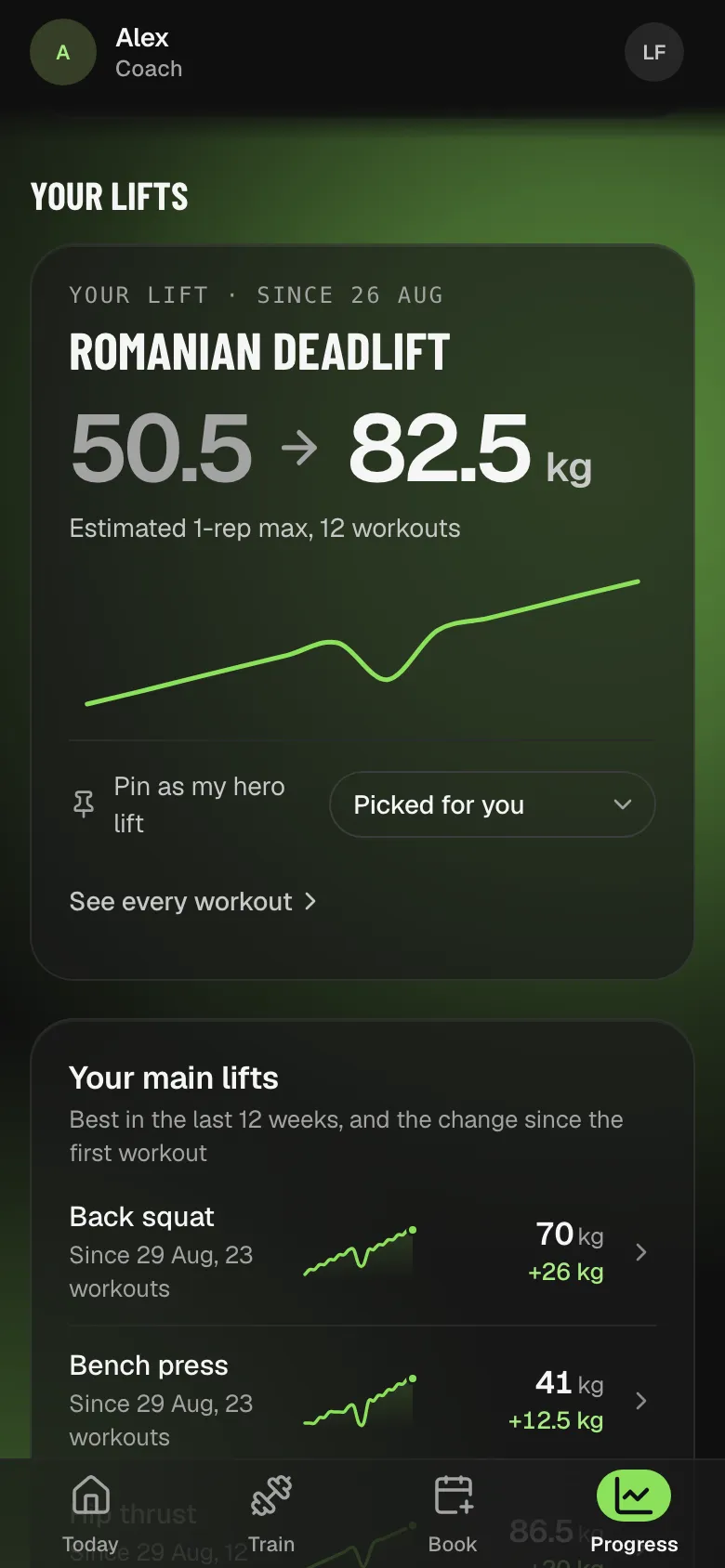
Your lift, front and centre
Pin a hero lift and see the change since your first workout.
- Sample data
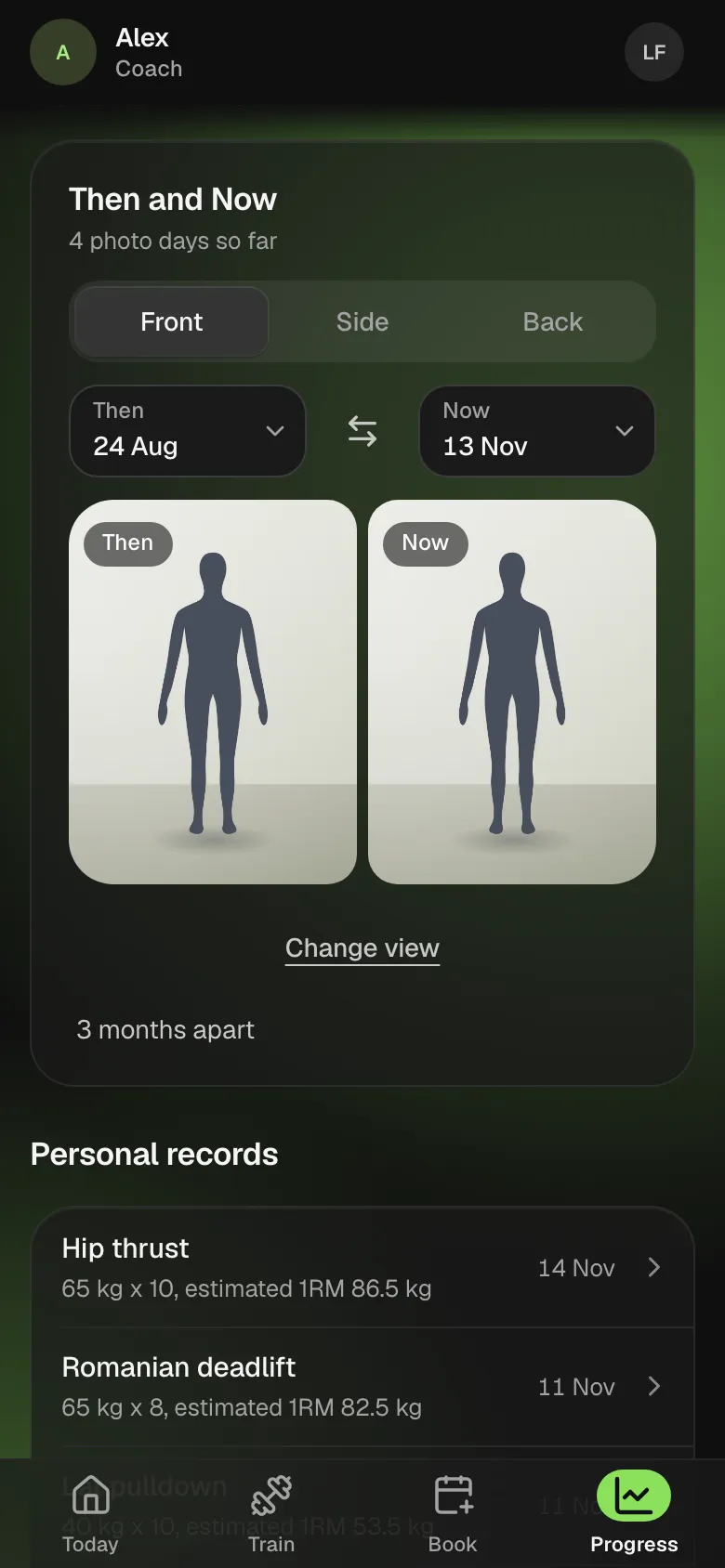
Then and Now
Your progress photos with a wipe, a fade or side by side. Discreet mode blurs them on a shared screen.
- Sample data
A daily check
Energy, stress and habits in a few taps. It keeps your streak going.
- Weight from Apple Health on iPhone
- Voice notes to the coach
- Pick a day reminders
- Weekly check-in forms
- English, Spanish or Italian
Your photos stay between you and your coach
Private by default
Progress photos are seen by you and your coach. Nobody else.
Discreet when you need it
Discreet mode blurs photos on this device, for a shared screen.
Your data, any time
Download your data from Account whenever you want.
Put it on your Home Screen
No app store needed. It opens full screen like an app and reminds you before each session.
On iPhone
- 1Open your coach's link in Safari.
- 2Tap Share, then Add to Home Screen.
- 3Open PT Wizard from your Home Screen and turn on reminders.
On Android
- 1Open your coach's link in Chrome.
- 2Tap Install app, or the menu and Add to Home screen.
- 3Open PT Wizard and turn on reminders.
Questions from clients
No coach yet? Sign up and search for a coach by name or city, or ask your coach for their link.
I got a link from my coach. What now?
Is PT Wizard free for clients?
Can I switch coaches?
Which languages does it speak?
Does the workout logger work without signal?
Who sees progress photos?
Can clients take their data with them?
Open your coach's link to start
No link yet? Sign up now and add your coach later.